Last checked: August 17, 2026
Wacky Wizards Codes (July 2026) — All Active & Expired Codes
Need the latest Wacky Wizards codes? We've got you covered. Below you'll find every active code for Wacky Wizards on Roblox, a full archive of expired codes, and a straightforward guide on how to redeem them. We check for new codes daily so you never miss a free ingredient or potion reward.
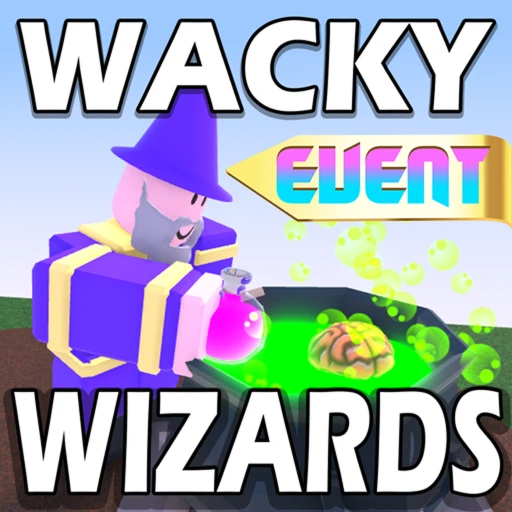
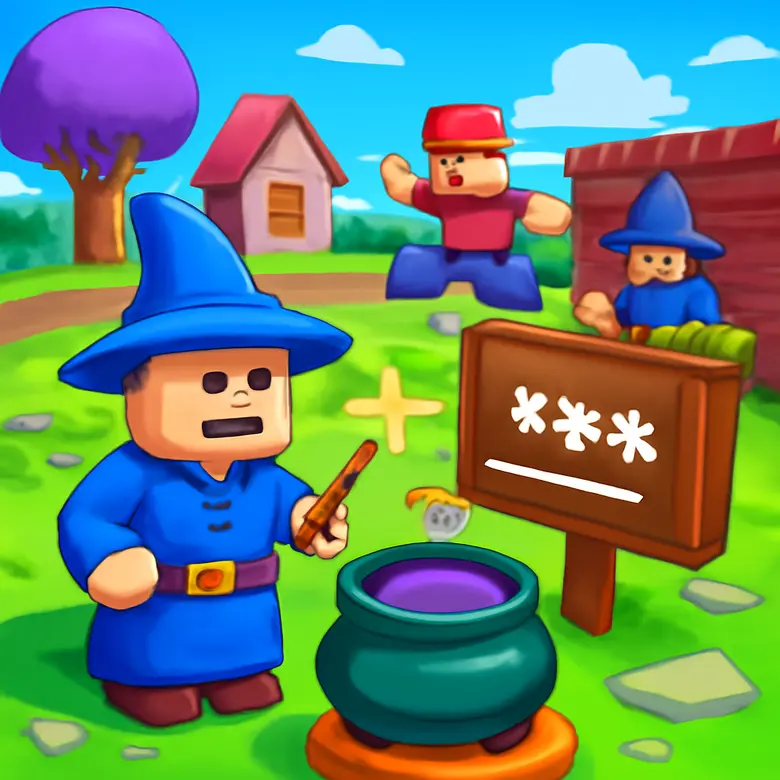
Wacky Wizards is a potion-brewing sandbox created by Foryxe and Jandel on Roblox (Place ID: 6888253864). Players collect ingredients scattered around the map, toss them into a cauldron, and brew potions that produce wild effects on your character. With nearly 700 potions to discover and regular Wacky Wednesday updates that add fresh content, the game has stayed popular since its 2021 launch.
The developers have released codes during certain milestones and events in the past. These codes typically reward players with free ingredients, gems, or exclusive items that speed up your potion-brewing progress. Codes tend to expire quickly, so redeeming them the moment they drop is the best play.
All Active Wacky Wizards Codes (July 2026)
We test every code in-game before listing it here. 1BILLION was confirmed working on April 23, 2026 and we have found nothing since saying it was pulled.
| Code | Reward | Status |
|---|---|---|
| 1BILLION | Free Beans ingredient | Active |
If you're looking for more free stuff in other Roblox games, check out our Grow a Garden codes page for another regularly updated list.

All Expired Wacky Wizards Codes
These codes no longer work. We keep them here so you don't waste time trying old codes that have already been deactivated by the developers.
| Code | Reward | Status |
|---|---|---|
| SPOOKY | Halloween event ingredient | Expired |
| WACKYWINTER | Winter holiday potion | Expired |
| WIZARDUPDATE | Free gems | Expired |
| THANKYOU500M | 500M visits celebration reward | Expired |
🎁 Wacky Wizards codes expired or empty-handed?
Codes come and go — earning is forever. Earnaldo pays you real Robux for playing Roblox games and finishing simple tasks. Free to join, no human verification, cash out from your very first point.
Earn Robux instead →How to Redeem Codes in Wacky Wizards
Redeeming codes takes under a minute. Here's exactly what to do:
- Open Roblox and launch Wacky Wizards from the game page or search for Place ID
6888253864. - Once you spawn in, look for the Twitter/Codes button on the left side of your screen. It's shaped like a bird icon or a gift box, depending on the current update.
- Click the button to open the code redemption window.
- Type or paste your code into the text field exactly as shown. Capitalization matters.
- Press Submit or Redeem to claim your reward.
- If the code is valid, you'll see a confirmation message and the reward will appear in your inventory or near your cauldron.
If the codes button is not visible in-game, the developers may have temporarily removed it during a specific update cycle. This has happened before. In that case, hang tight and check back after the next update. You can also try rejoining the server, as the button sometimes takes a moment to load.

Where Do New Codes Come From?
The Wacky Wizards development team drops codes through a handful of channels. Knowing where to look gives you a head start over other players:
Wacky Wednesday updates: Every Wednesday the devs push new content to the game. These updates frequently include new ingredients, potions, and occasionally a fresh code. Logging in on Wednesdays is a solid habit if you want to stay current.
Player milestones: When Wacky Wizards crosses major visit counts or favorite thresholds, the team celebrates with a community code. Past milestone codes have rewarded free ingredients and exclusive potion recipes.
Social media and Discord: Follow the developers Foryxe and Jandel on Twitter/X. They sometimes post codes exclusively on their feeds or in the official Wacky Wizards Discord server. These codes can expire within hours, so turning on notifications is worth it.
Seasonal events: Halloween, Christmas, and summer events have all brought limited-time codes and themed ingredients in the past. The expired code "SPOOKY" was tied to a Halloween event that ran for just a few days.
We monitor all of these sources and update this page the moment new codes surface. Bookmarking it is the fastest way to stay in the loop without checking multiple platforms yourself.
Tips for Getting the Most Out of Wacky Wizards
Codes are just one piece of the puzzle. Here are some practical strategies to level up your brewing game faster:
Learn the ingredient map. Every ingredient in Wacky Wizards spawns at a specific location. The Fairy sits on a mushroom behind the waterfall. The Spider hangs out near the desert cave. Memorizing these spots saves you time when you need a specific ingredient for a recipe. The Wacky Wizards wiki has a full ingredient map if you want the cheat sheet.
Stack ingredients for stronger potions. Adding multiple copies of the same ingredient into your cauldron makes the potion effect more powerful. Three pieces of Dynamite produce a way bigger explosion than one. Experiment with stacking to find the most entertaining combos.
Complete quests for locked ingredients. Some ingredients are quest-gated. You'll need to talk to NPCs, solve puzzles, or reach certain areas to unlock them. The Boxing Gloves, for example, require you to defeat a specific NPC in a fight. Don't skip these quests because the locked ingredients tend to produce the most interesting potions.
Use the Shrink Ray potion for exploration. Brew a Shrink Ray potion (Fairy + Chameleon) and drink it. Your character becomes tiny, letting you squeeze into hidden areas that contain secret ingredients and Easter eggs the devs tucked away.
Redeem codes immediately. Wacky Wizards codes have a track record of expiring without warning. The developers can deactivate them at any time, so claiming rewards the moment you see a new code is the safest approach.
For a deeper breakdown of strategies and ways to earn free Robux while playing, take a look at our Wacky Wizards free Robux guide.
Earn Free Robux While You Play
Want more Robux for premium ingredients and other Roblox games? Earnaldo lets you earn free Robux by completing simple tasks. No surveys, no downloads, just real rewards you can withdraw and spend.
Frequently Asked Questions
Yes. Wacky Wizards has released codes during milestones, seasonal events, and Wacky Wednesday updates. The code redemption button is not always visible in-game, but the developers have activated it during specific update cycles. We keep this page updated so you'll know the moment a new code goes live.
Launch Wacky Wizards on Roblox, look for the Twitter or Codes button on the left side of your screen, enter your code in the text field, and press Submit. If the button is not visible, the feature may be temporarily disabled during that update cycle.
Codes can fail if they've expired, if you already redeemed them, or if you typed them wrong. Wacky Wizards codes are case-sensitive, so double-check every letter. If the codes button itself is missing from the game, the redemption feature might be disabled in the current build.
There's no fixed schedule. Codes have appeared during major content drops, Wacky Wednesday updates, player milestones, and holiday celebrations. Following the developers on Twitter/X and joining the Discord server are the fastest ways to catch new codes.
No. Each code can only be redeemed once per account. If you try to use a code you've already claimed, the game will tell you it's been used. Different Roblox accounts can each redeem the same code independently.
Codes have given free ingredients, exclusive potions, gems, and limited-time cosmetic items. The reward depends on what the code was released for. Milestone codes tend to give ingredients, while event codes often unlock themed items tied to that specific celebration.

About This Page
We maintain this Wacky Wizards codes list as a resource for the Roblox community. Every code listed here has been verified in-game to confirm whether it's active or expired. The goal is to save you time so you never miss a free reward or waste effort on dead codes.
If you spot a code we've missed or notice a status change before we do, let us know through our Discord server. Community tips help us keep this page accurate for everyone.
This page is not affiliated with the Wacky Wizards development team, Foryxe, Jandel, or Roblox Corporation. All trademarks and game content belong to their respective owners. Code availability is subject to change at the discretion of the game developers.